What a call menu should say in its first five seconds
Callers decide quickly whether a phone menu will help them. A practical script for the first five seconds of your greeting, with the mistakes to avoid.
Everyone has met the bad version: "Thank you for calling. Your call is important to us. Please listen carefully as our menu options have changed…" Fifteen seconds in, the caller still does not know which key to press, and has started pressing 0.
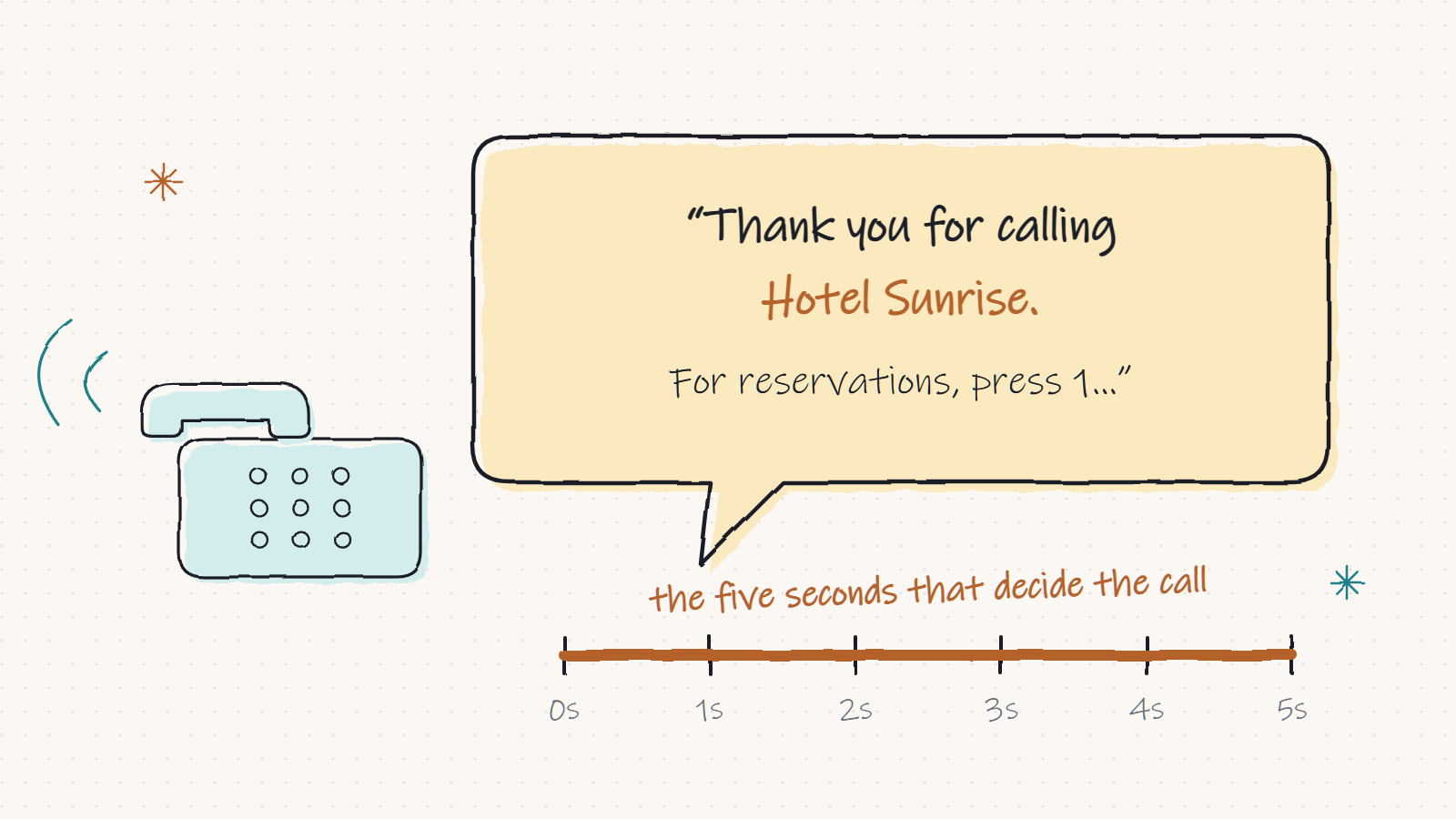
A call menu, also called an auto attendant or IVR, is the first thing a customer hears from your business. The first five seconds decide whether it feels like help or like a wall.
Three things, in this order
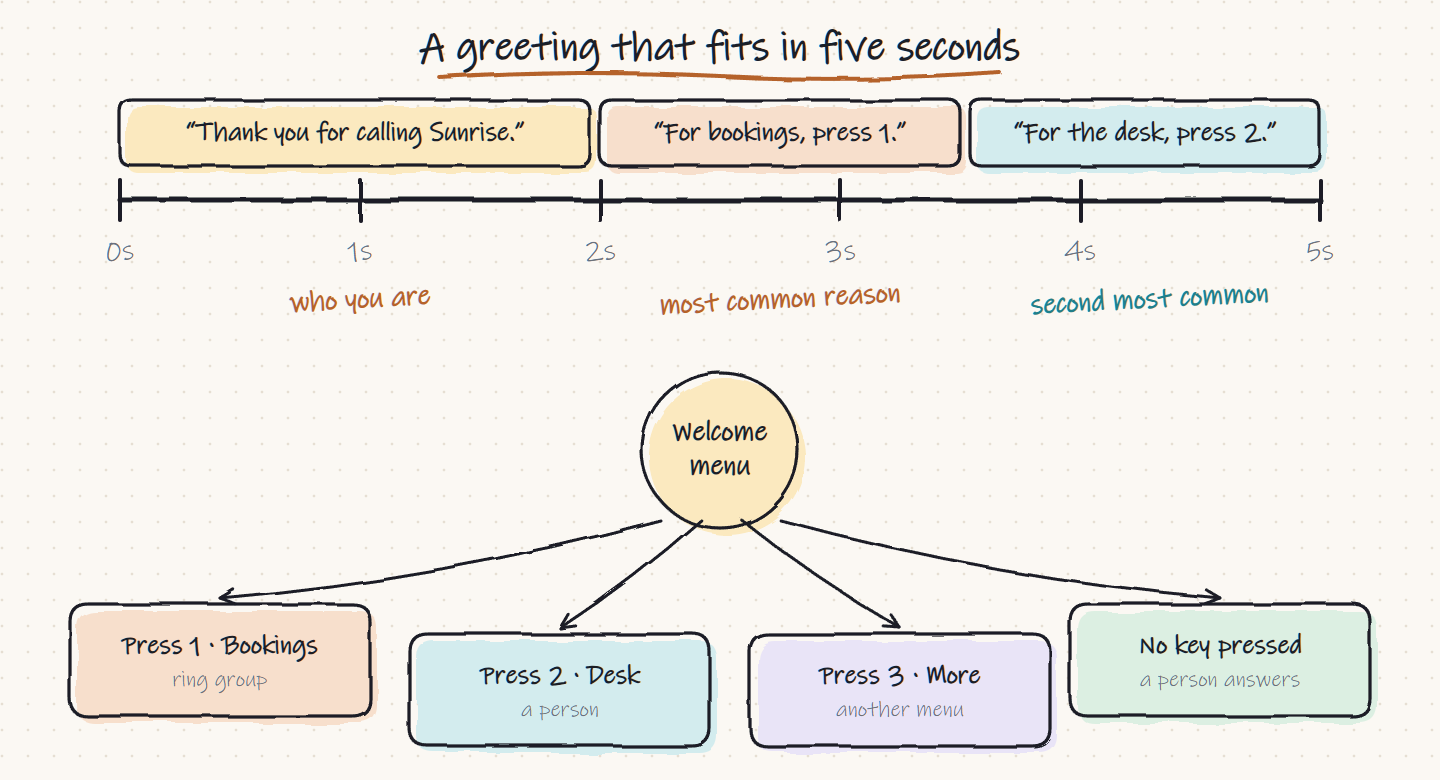
- Who they have reached. "Thank you for calling Sunrise Hotel." That takes two seconds and tells the caller they dialled the right number.
- The most common reason for calling. "For bookings, press 1." Look at who actually calls you and put that first.
- The second most common reason. "For the front desk, press 2."
That is the whole first five seconds. Anything else comes after, or lives in a second menu.
Five mistakes that lose callers
- Opening with a speech. Company history, the website address and "your call is important" all delay the one thing the caller wants.
- Too many options. People remember three or four choices. If you have nine, group them and put the rest behind "for more options, press 3". Menus can lead to other menus.
- Key before reason. "Press 1 for bookings" makes the caller hold a number in their head while waiting to hear if it applies. Say the reason first: "For bookings, press 1."
- A dead end. If the caller presses nothing, or the wrong key, send them to a person or a department. Do not replay the menu forever.
- The same greeting at midnight. A closed office should say so and offer voicemail, not ring desks nobody is sitting at.
Let the menu follow your hours
In Filantis you set your office hours and holidays once, and every menu follows them. During the day the welcome plays. After closing, on a break or on a named holiday, the caller hears the message you chose for that case. For a festival closure you add the day and record one message, and it switches itself on and off.
Where each key should lead
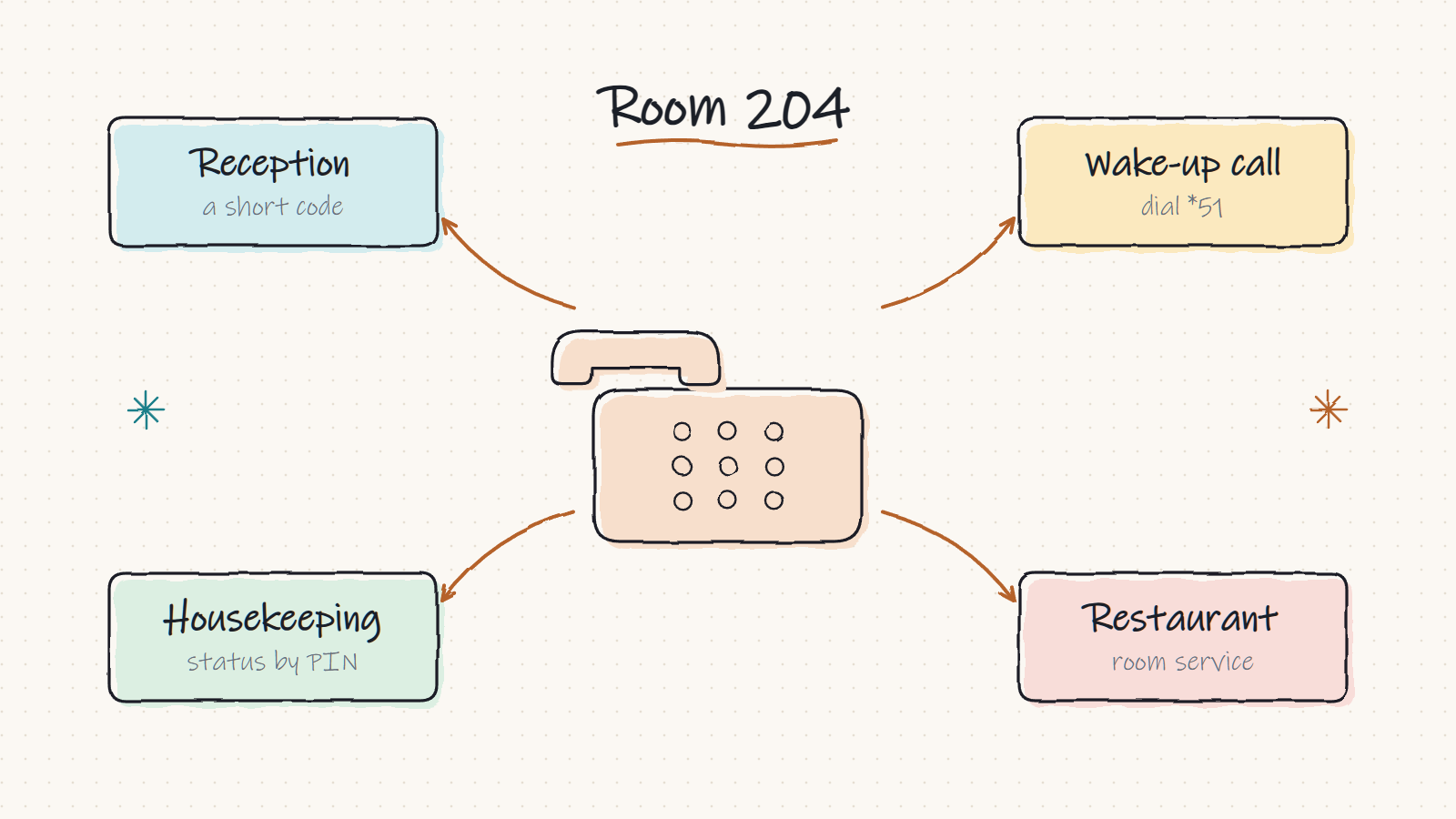
A key can go to a person, a department, a voicemail box, another menu, an outside number or a recorded message such as directions and opening times. Two rules keep this tidy:
- Send keys to departments rather than to one person, so a holiday does not break the menu.
- Decide what happens when nobody answers. A department's shared mailbox is the usual answer.
A good menu is short enough that a regular caller never hears the end of it.
Recording it
You do not need a studio. Upload a WAV or MP3 recorded on a phone in a quiet room, or type the words and let text-to-speech read them. Use the voice of someone who works there, speak a little slower than feels natural, and leave a short pause after each option. If you record calls, the greeting is also the simplest place to say so.
Then test it the way a customer would: call your own number from a mobile, on a bad line, and see whether you reach the right place without thinking. The full call menu guide walks through every setting, and the phone system page shows the menus beside ring groups, voicemail and the operator panel.